Filament v5 as a Headless CMS for a React Frontend
Using Laravel's most powerful admin panel builder to manage content for a decoupled React frontend — with caching, preview URLs, and automatic cache invalidation.
Filament is usually associated with admin panels that serve the same Laravel application. On this site, it plays a different role: the admin panel and the public frontend are completely separate applications. Filament manages content through a rich admin interface, Laravel serves it as a versioned (probably overkill, but good practice and minimal effort) JSON API, and a decoupled React frontend consumes it.
I did consider Statamic as a Laravel Based CMS, and even other solutions that could post content via the API. However, the site is architecturally complex enough and I didn't feel this would add value. I know filament well and it's incredibly fast to build simple admin interfaces.
It works remarkably well in this headless configuration. Here's how the content management, preview system, caching strategy, and API contract fit together.
Content Management
Filament resources handle blogs, projects, shares, technologies, and user context (the data that feeds the AI chatbot's system prompt). Each resource follows a modular architecture — form schemas, table configurations, and infolist definitions live in separate classes rather than being defined inline in the resource file. A BlogForm class configures the form, a BlogsTable class configures the table, and a BlogInfolist class configures the read-only view.
The blog editor provides a rich text editor for content, file uploads for featured images with public visibility, and automatic slug generation from the title. Slugs are locked after creation to prevent URL breakage. A PublishStatus enum (draft/published) controls visibility, managed through a HasPublishStatus trait that automatically sets published_at when status changes to published and clears it when reverted to draft.
Projects add a many-to-many relationship with technologies, managed through a multi-select dropdown that supports creating new technologies inline — useful when adding a project that uses a technology not yet in the system. A featured flag lets me highlight key projects on the homepage.
Shares get managed through the same Filament interface, with an additional action to refresh OpenGraph metadata from the source URL. This is handy when a page updates its title or image after the initial share.
The Preview System
Content needs reviewing before publishing. The preview system uses a ValidatePreviewToken middleware that checks for an X-Preview-Token header using a timing-safe comparison against a configured secret.
In the Filament admin, each blog post and project has a preview action (an eye icon) that opens the React frontend with a token-based preview URL. The frontend detects the token in the query string, passes it as a header to the API's preview endpoint, and renders draft content identically to published content. No separate preview environment, no draft mode toggle — the same frontend renders both, distinguished only by the API endpoint and the presence of a preview banner.
The preview endpoints deliberately skip caching, so edits in Filament are immediately visible in the preview without waiting for cache invalidation.
Caching Strategy
API responses are cached for 24 hours. Every controller wraps its database queries in Cache::remember() with a TTL of 86,400 seconds and structured cache keys: api.v1.blogs.index.{page}, api.v1.blogs.featured, api.v1.blogs.show.{slug}.
The ClearsApiCache trait makes this aggressive caching safe. It hooks into Eloquent's saved and deleted events: whenever a blog, project, or share changes, the trait clears all related cache keys — the first 10 pages of the index, the featured endpoint, and the individual show endpoint for that model's slug. The next request rebuilds the cache from the database.
The second half of the caching story is pre-warming. A WarmApiCache Artisan command calls the actual controller methods for every public endpoint: featured blogs, featured projects, featured shares, all indexes, and every individual published item. This populates the cache proactively.
A scheduled job on cronjob.org triggers this command via the /api/warm-cache route at regular intervals. On Render's free tier, services spin down after inactivity — the cron job keeps the service alive, and the cache warming ensures that even after a cold start, the first visitor gets pre-cached responses rather than hitting the database directly. The interplay is deliberate: cron job wakes the service, warm-cache pre-populates every endpoint, and visitors never experience a slow first load.
API Resources as the Contract
The API layer uses separate resource classes for list and detail views. A BlogSummaryResource returns the fields needed for card layouts: title, slug, excerpt, featured image (converted to a full URL via Storage::url()), published date, and read time. A BlogResource adds the full HTML content and meta description.
This separation keeps list endpoints lightweight. The blog index returns seven fields per post; the detail page returns nine. For projects, the split is similar — the summary includes technology names as an array, while the detail view adds the full long description.
Everything lives under /api/v1/. The versioned prefix is the contract between the Filament-managed backend and the React frontend. Both sides can evolve independently as long as the resource shapes don't break. Featured images are a good example of this: Filament stores a relative path, the API resource transforms it to an absolute URL, and the React frontend renders it without knowing anything about Laravel's storage system.
Read time is calculated automatically — the Blog model watches for content changes and sets read_time to ceil(word_count / 200) before saving. The frontend just displays the number.
Filament in a Non-Standard Role
Using Filament purely as a backend admin panel — no Livewire views for public users, no Blade templates, no server-rendered HTML — works well when the admin interface and public site are genuinely separate concerns. The admin needs rich forms, relationship management, and file uploads. The public site needs fast JSON responses and static asset hosting. Filament handles the first half without interfering with the second.
The only adjustment is mental: Filament's ecosystem assumes it's the user-facing application. Preview URLs, for example, need to point to the React frontend rather than a Filament page. The custom PreviewAction builds URLs with the frontend's domain and passes the preview token as a query parameter. Small adaptations like this are all it takes to make Filament work headlessly.
This is part of the Building nickbell.dev series. Read about the AI agent or the sharing ecosystem.
You might also like
 blog
blog How I Built a Full-Stack AI Portfolio for Under $1/Month
Four hosting services, three repositories, an AI chatbot, semantic search, and cross-device content sharing — practically free.
 project
 nickbell.dev
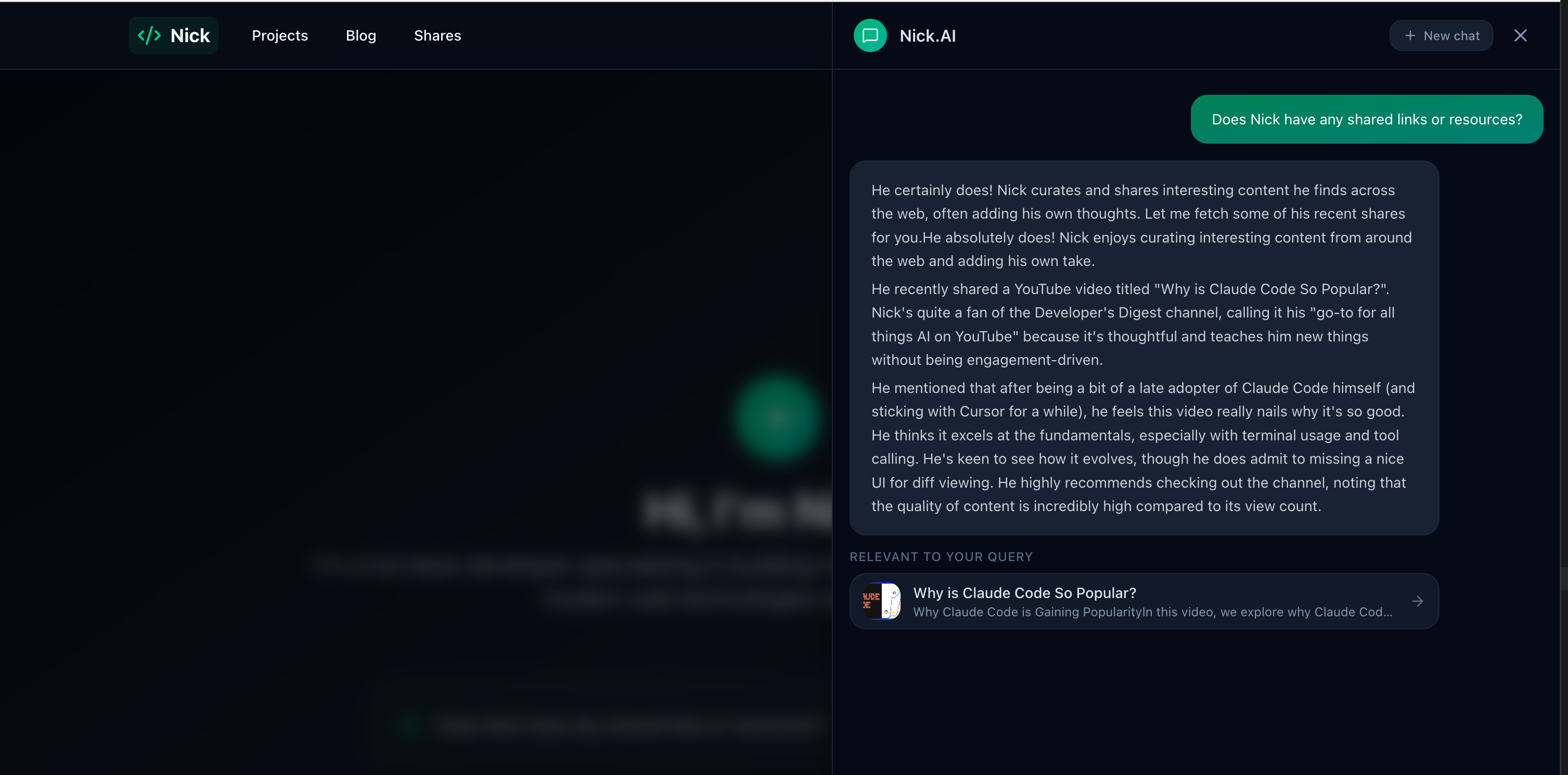
A full-stack AI portfolio running across four hosting services and three repositories — React frontend, Laravel API, AI chatbot agent with semantic search, and a cross-device sharing ecosystem. Total cost: under $1/month.
 blog
blog Building an AI Portfolio Agent with Laravel, pgvector, and Gemini
A chatbot that knows everything I've written — built with the Laravel AI SDK, pgvector embeddings, hybrid search, and Gemini's free tier.